

This is the fourth article in the Systrace series, primarily providing a brief introduction to SystemServer. It covers several important threads within SystemServer. Since Input and Binder are particularly critical, they are discussed separately and won’t be covered in detail here.
The purpose of this series is to view the overall operation of the Android system from a different perspective using Systrace, while also providing an alternative angle for learning the Framework. Perhaps you’ve read many articles about the Framework but can never remember the code, or you’re unclear about the execution flow. Maybe from Systrace’s graphical perspective, you can gain a deeper understanding.
Table of Contents
- Series Article Index
- Main Content
- Window Animations
- ActivityManagerService
- WindowManagerService
- Input
- Binder
- HandlerThreads
- About Me && Blog
Series Article Index
- Introduction to Systrace
- Systrace Basics - Prerequisites for Systrace
- Systrace Basics - Why 60 fps?
- Android Systrace Basics - SystemServer Explained
- Systrace Basics - SurfaceFlinger Explained
- Systrace Basics - Input Explained
- Systrace Basics - Vsync Explained
- Systrace Basics - Vsync-App: Detailed Explanation of Choreographer-Based Rendering Mechanism
- Systrace Basics - MainThread and RenderThread Explained
- Systrace Basics - Binder and Lock Contention Explained
- Systrace Basics - Triple Buffer Explained
- Systrace Basics - CPU Info Explained
- Systrace Smoothness in Action 1: Understanding Jank Principles
- Systrace Smoothness in Action 2: Case Analysis - MIUI Launcher Scroll Jank Analysis
- Systrace Smoothness in Action 3: FAQs During Jank Analysis
- Systrace Responsiveness in Action 1: Understanding Responsiveness Principles
- Systrace Responsiveness in Action 2: Responsiveness Analysis - Using App Startup as an Example
- Systrace Responsiveness in Action 3: Extended Knowledge on Responsiveness
- Systrace Thread CPU State Analysis Tips - Runnable
- Systrace Thread CPU State Analysis Tips - Running
- Systrace Thread CPU State Analysis Tips - Sleep and Uninterruptible Sleep
Main Content
Window Animations
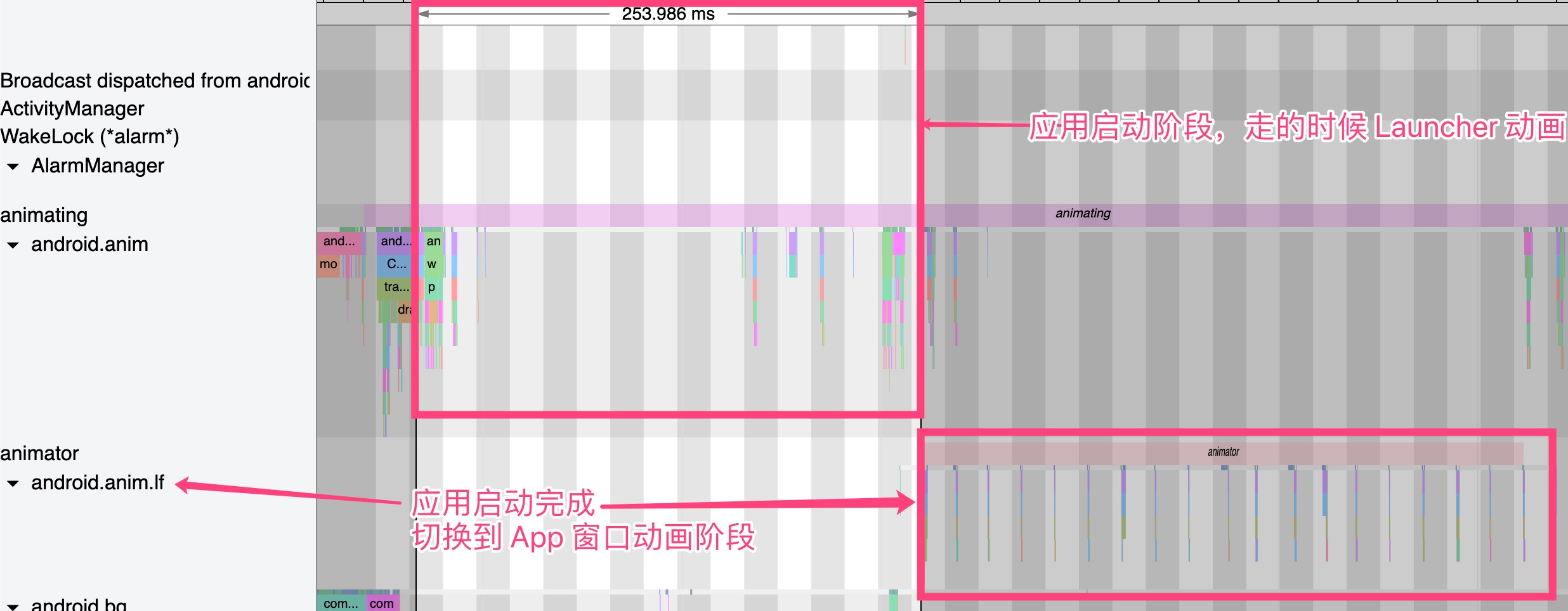
A critical part of SystemServer in Systrace is window animations. Since SystemServer manages windows, it also handles window animations centrally. This involves two key threads: android.anim and android.anim.lf (further explained below).
Using App Startup as an example, we can see how animations switch between these threads. In Android P, an app’s startup animation consists of the Launcher’s part and the App’s first frame. Previously handled entirely in SystemServer, multitasking animations have partly moved to the Launcher for better performance.
When you click an icon, the Launcher first starts a StartingWindow while the App is still launching. Once the App’s first frame is ready, it switches to the App’s window animation.
Launcher Animation: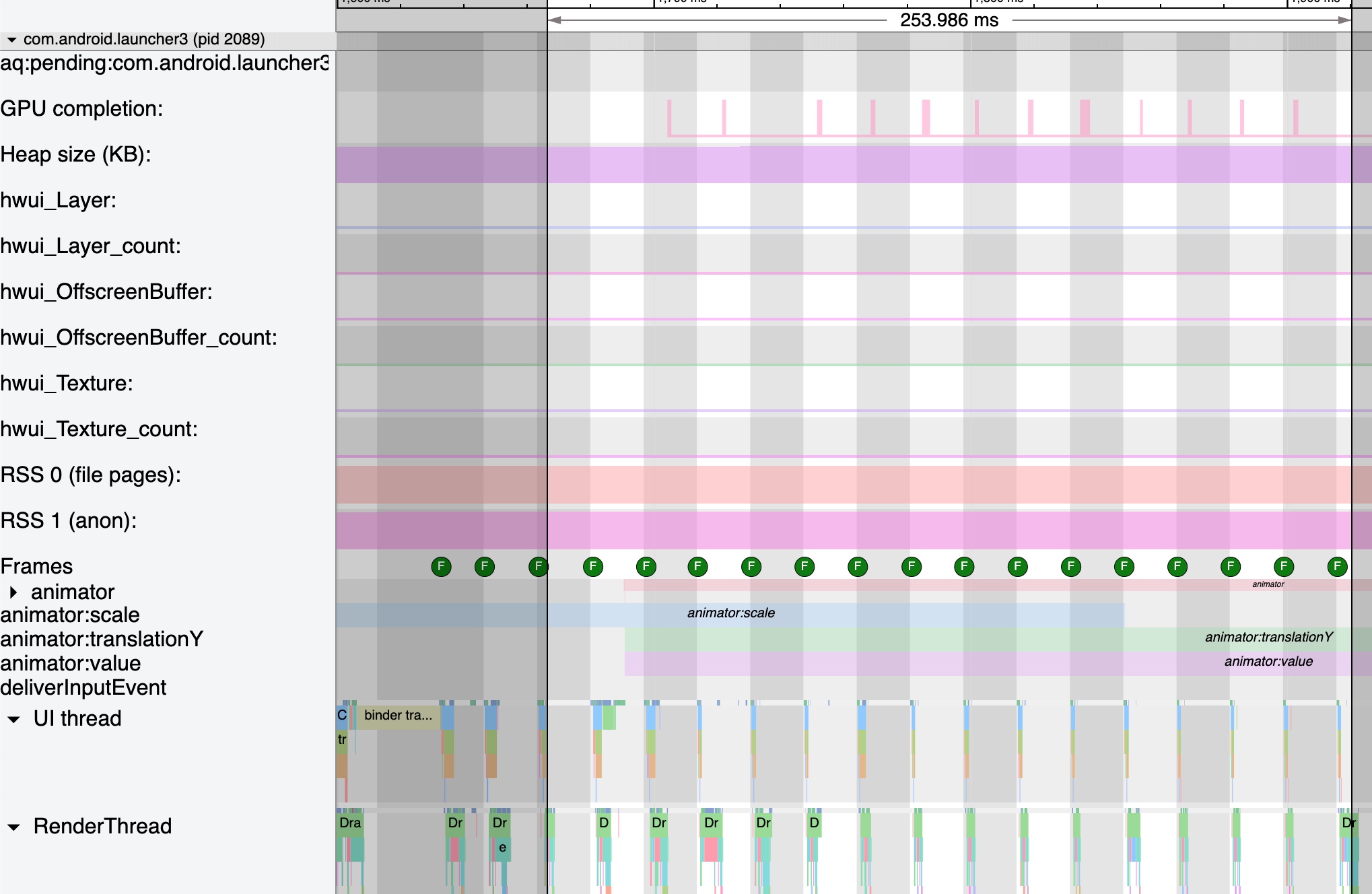
Correspondingly, the App is starting: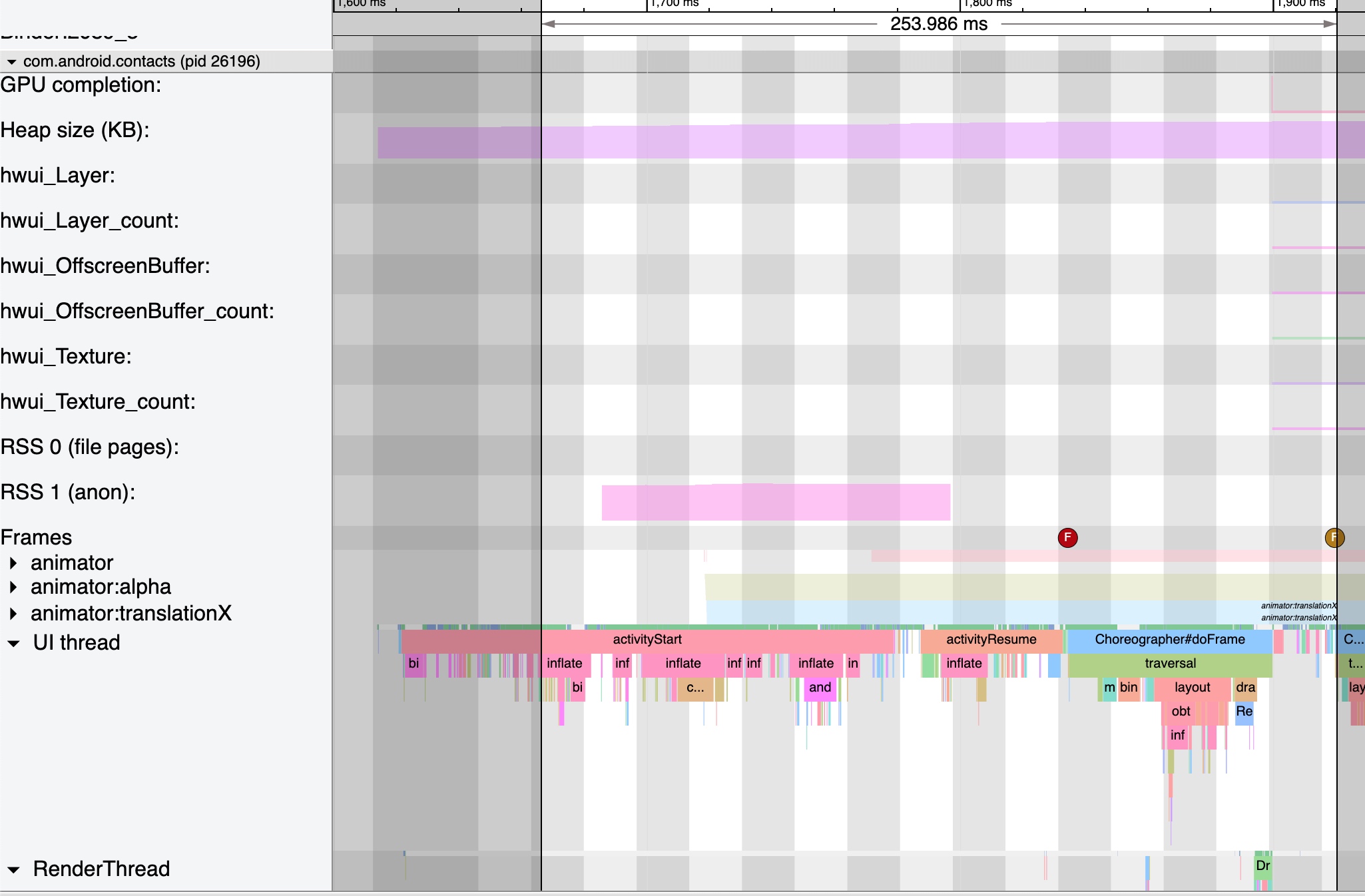
As shown above, after the App’s first frame is prepared, SystemServer switches to the App’s window animation.
ActivityManagerService
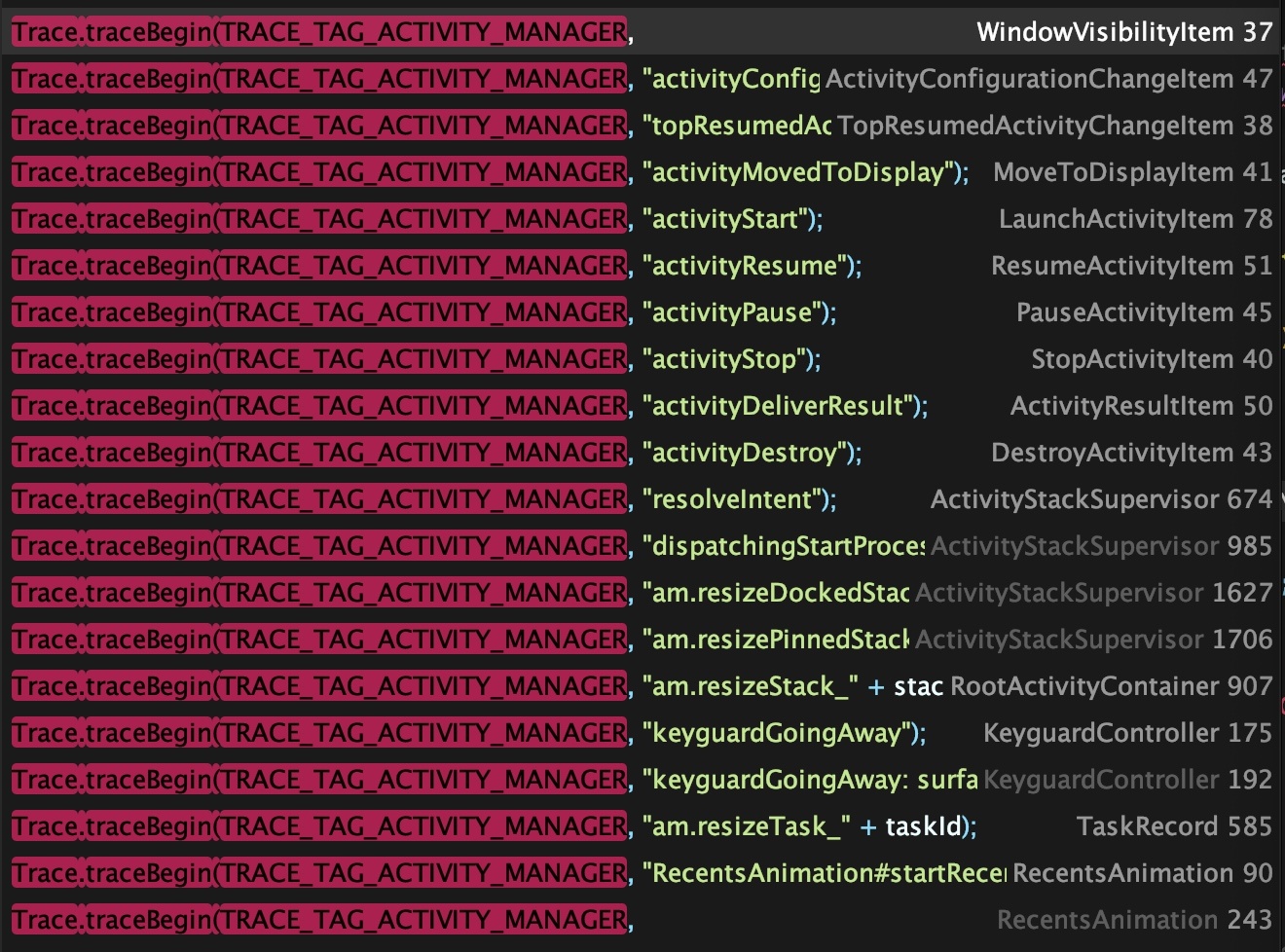
AMS and WMS are the busiest services in SystemServer. Trace points related to AMS typically use the TRACE_TAG_ACTIVITY_MANAGER tag, appearing as ActivityManager in Systrace.
Below is the AMS output when launching a new process: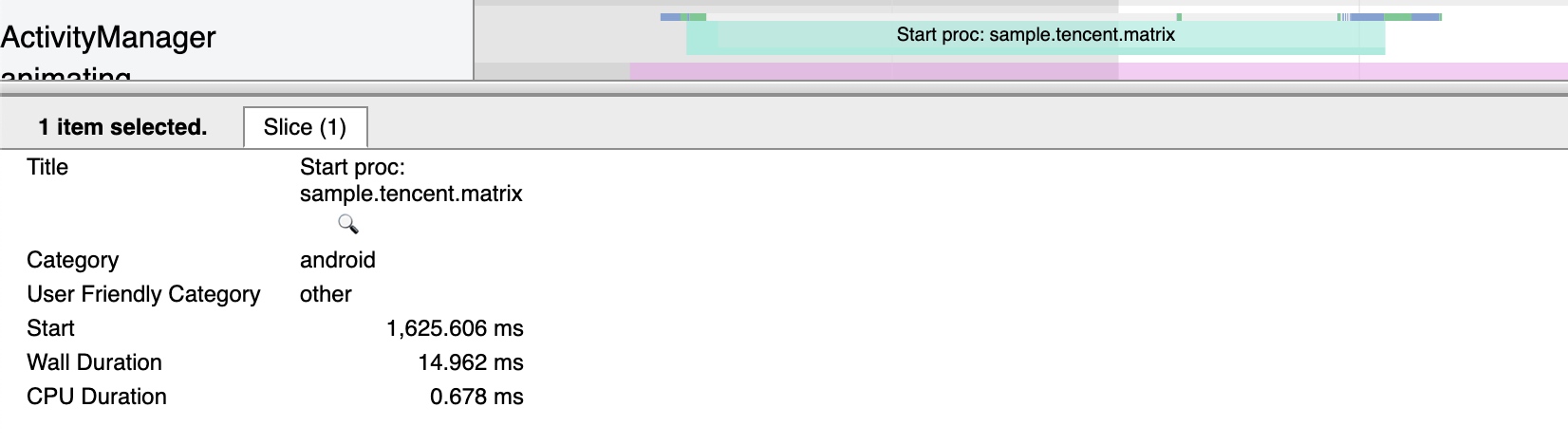
Various scenarios for processes and the four components have corresponding Trace points, such as ActivityStart, ActivityResume, and activityStop. Some reside in the application process and others in SystemServer, so analyzing Activity logic requires toggling between both processes to understand state changes and SystemServer‘s role.
WindowManagerService
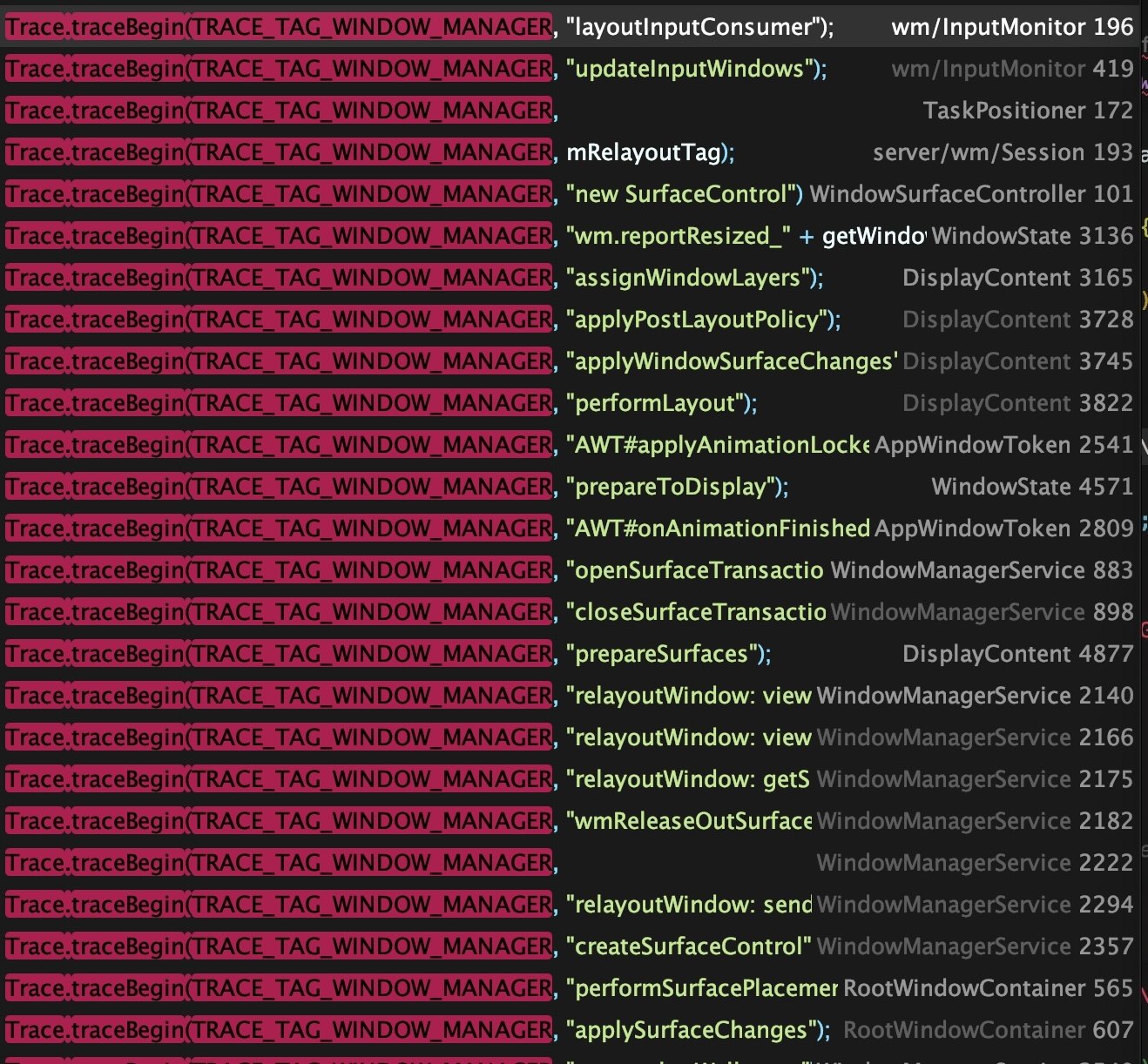
WMS-related Trace points typically use the TRACE_TAG_WINDOW_MANAGER tag. WindowManagerService often appears within Binder threads in SystemServer. For example, here’s the relayoutWindow output during app startup:
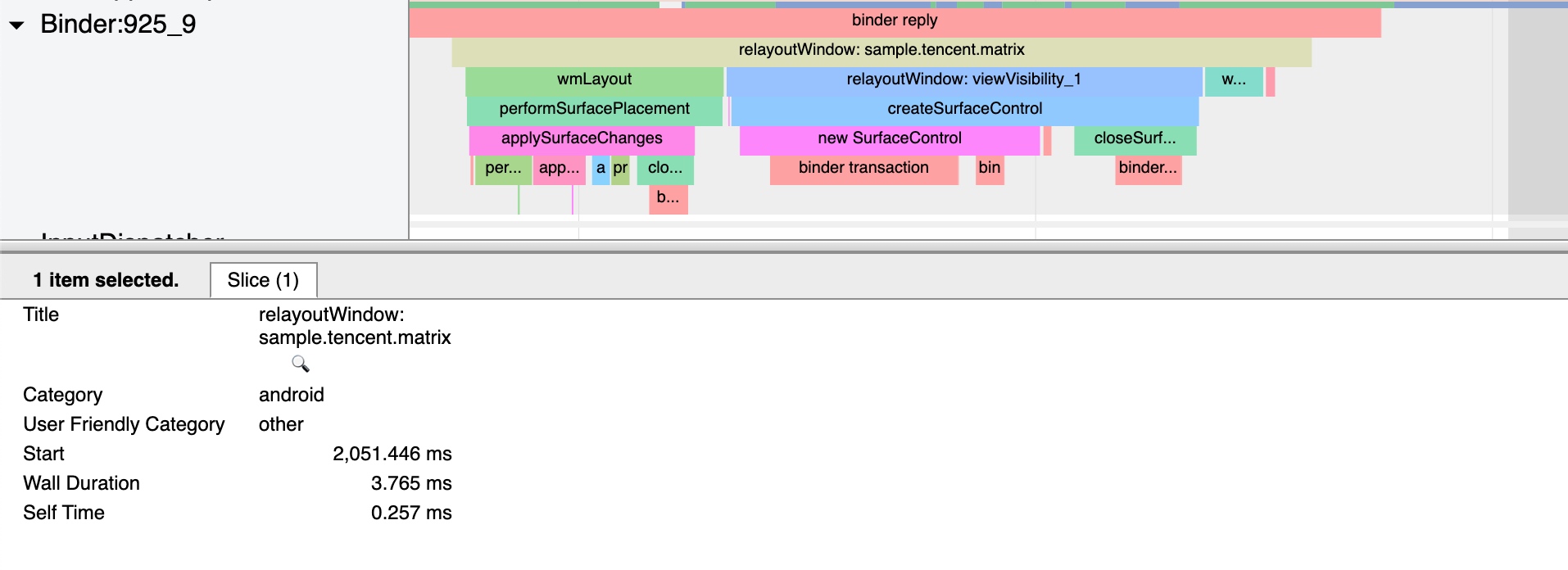
Various Window scenarios have Trace points like relayoutWindow, performLayout, and prepareToDisplay.
Input
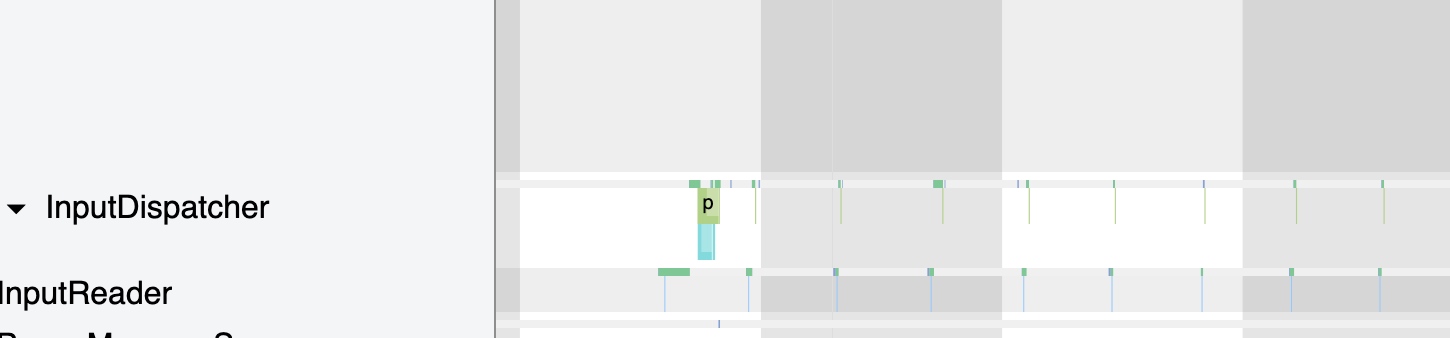
Input is a vital part of SystemServer, primarily consisting of the Native threads InputReader and InputDispatcher. This is detailed in Systrace Basics - Input Interpretation and won’t be repeated here.
Binder
Since SystemServer provides numerous base services, inter-process communication (IPC) is heavy, and most of it uses Binder. Its role is critical; with many background apps, SystemServer can suffer from Binder communication overhead and lock contention, leading to system or app jank. This is detailed in Binder and Lock Contention Explained.
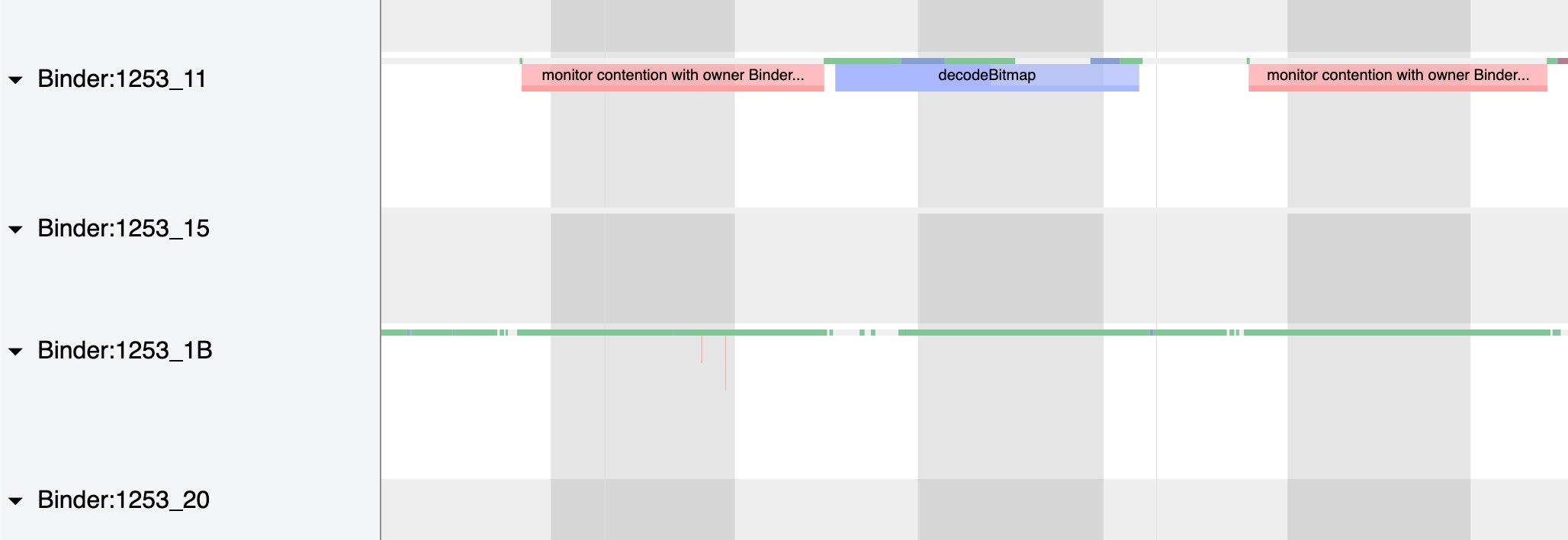
HandlerThread
BackgroundThread
com/android/internal/os/BackgroundThread.java
1 | private BackgroundThread() { |
BackgroundThread in Systrace: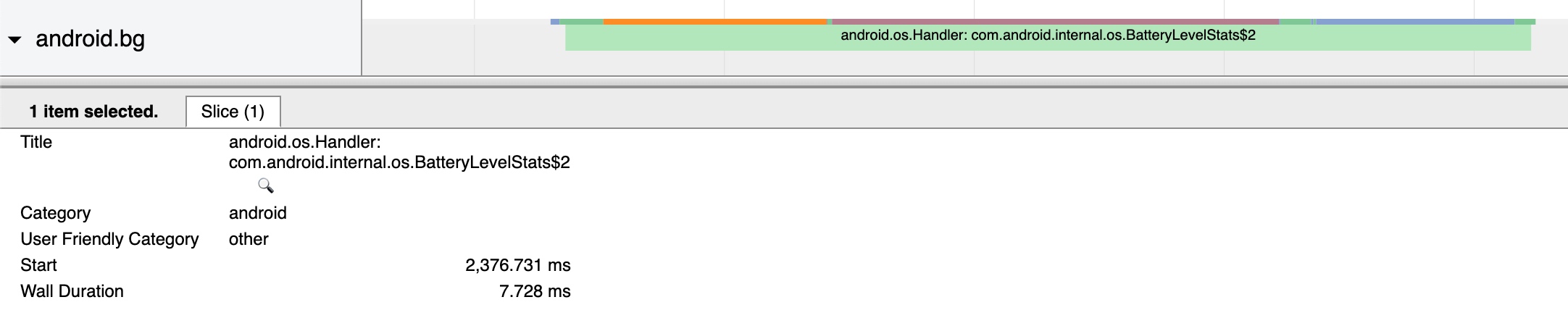
BackgroundThread is widely used for non-performance-critical tasks.
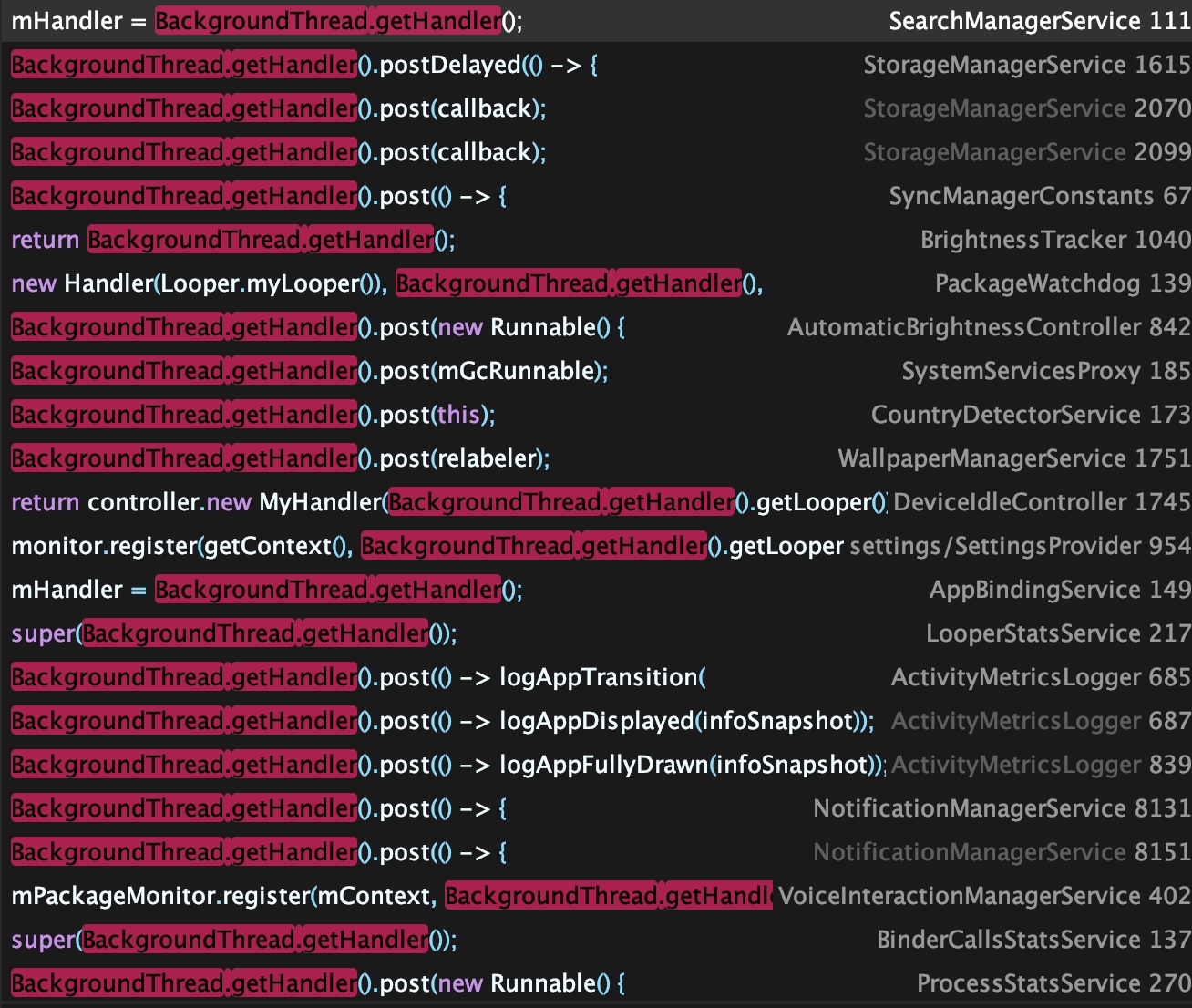
ServiceThread
ServiceThread inherits from HandlerThread. Several worker threads mentioned below inherit from ServiceThread, performing different functions with varying priorities: UiThread, IoThread, DisplayThread, AnimationThread, FgThread, and SurfaceAnimationThread.
Each thread has its own Looper, Thread, and MessageQueue to avoid interference. Android uses specific threads for specific functional tasks.
UiThread
com/android/server/UiThread.java
1 | private UiThread() { |
UiThread in Systrace: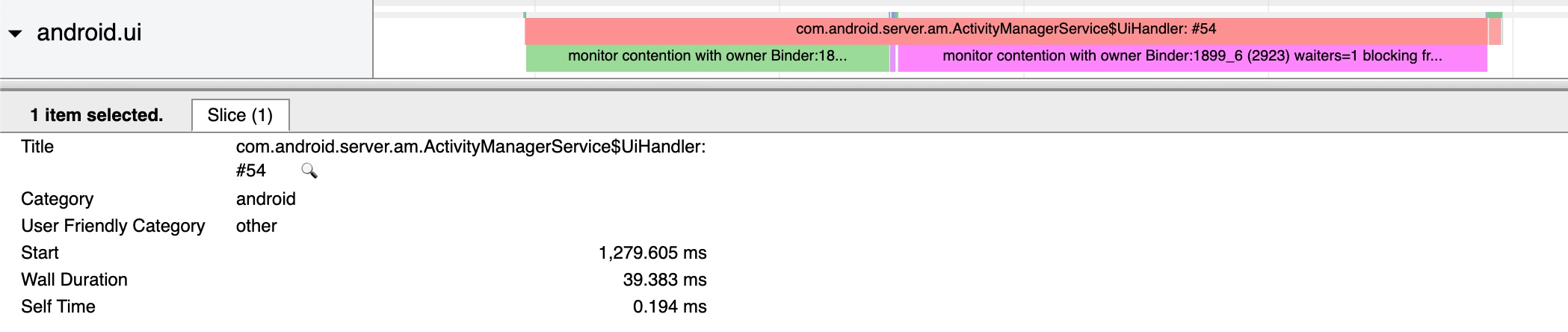
Common uses for UiThread can be found in the source by searching for UiThread.get().

IoThread
com/android/server/IoThread.java
1 | private IoThread() { |
Uses for IoThread can be found via IoThread.get().

DisplayThread
com/android/server/DisplayThread.java
1 | private DisplayThread() { |
DisplayThread in Systrace:

AnimationThread
com/android/server/AnimationThread.java
1 | private AnimationThread() { |
AnimationThread in Systrace: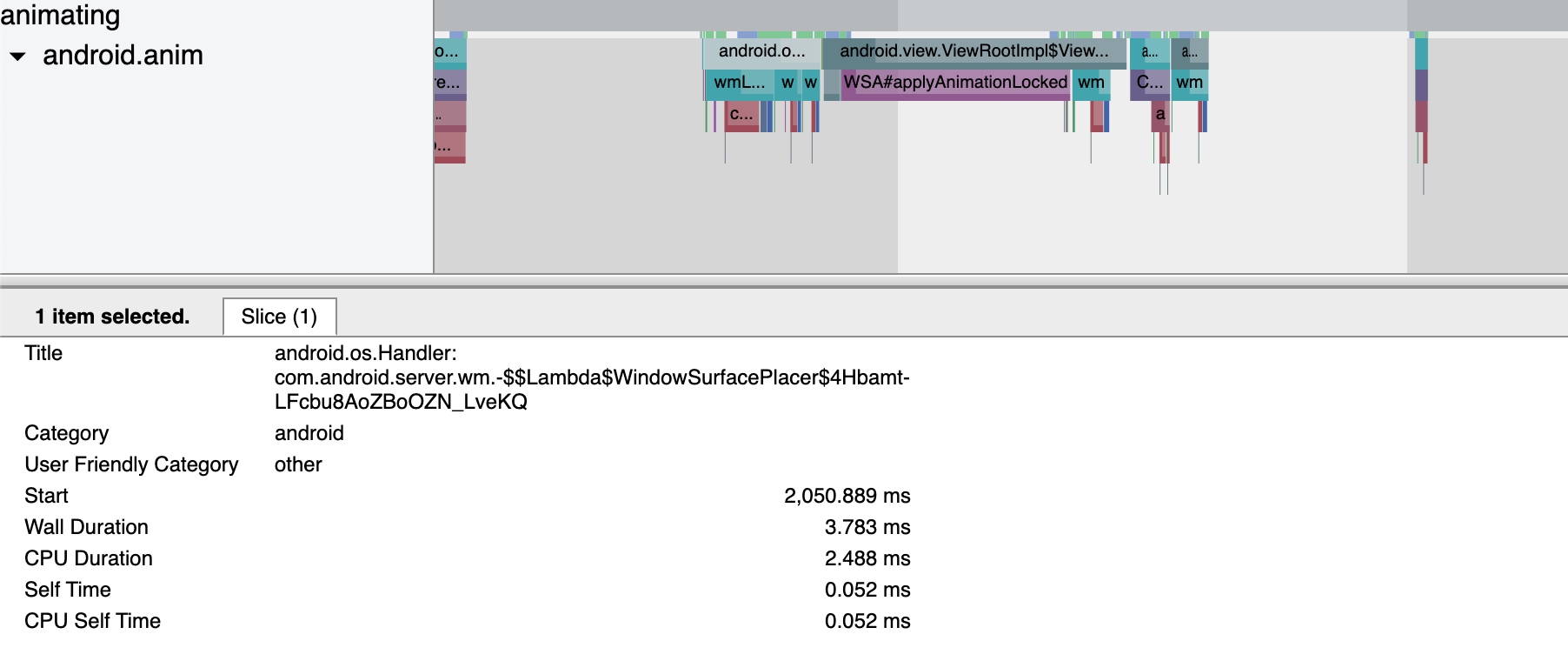
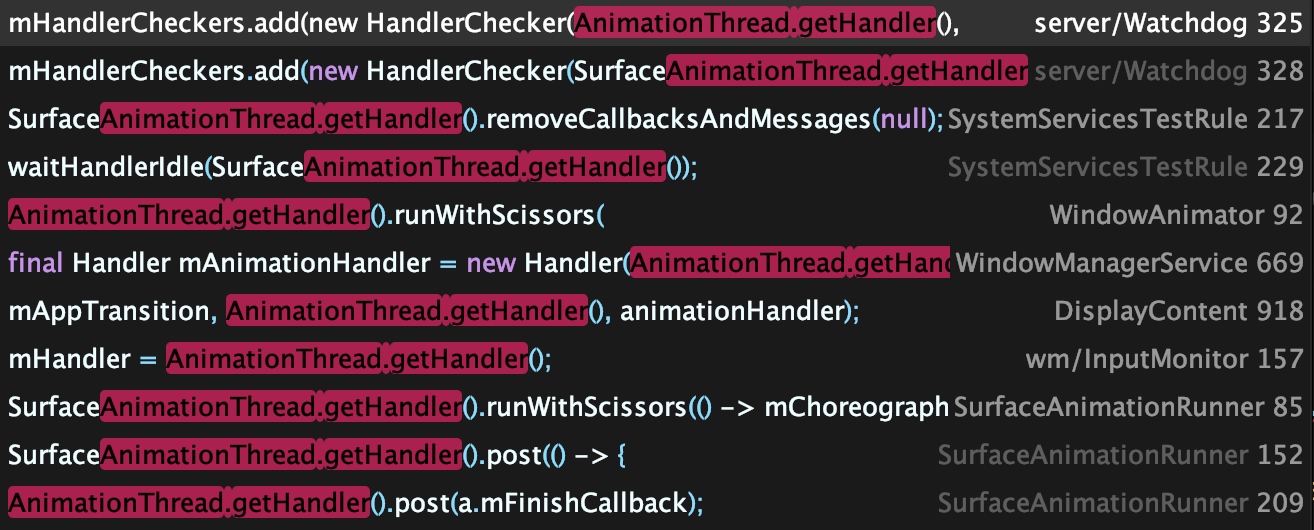
Uses in source show that WindowAnimator executions happen here. Android P added SurfaceAnimationThread to offload work and improve WindowAnimation performance.
FgThread
com/android/server/FgThread.java
1 | private FgThread() { |
FgThread in Systrace: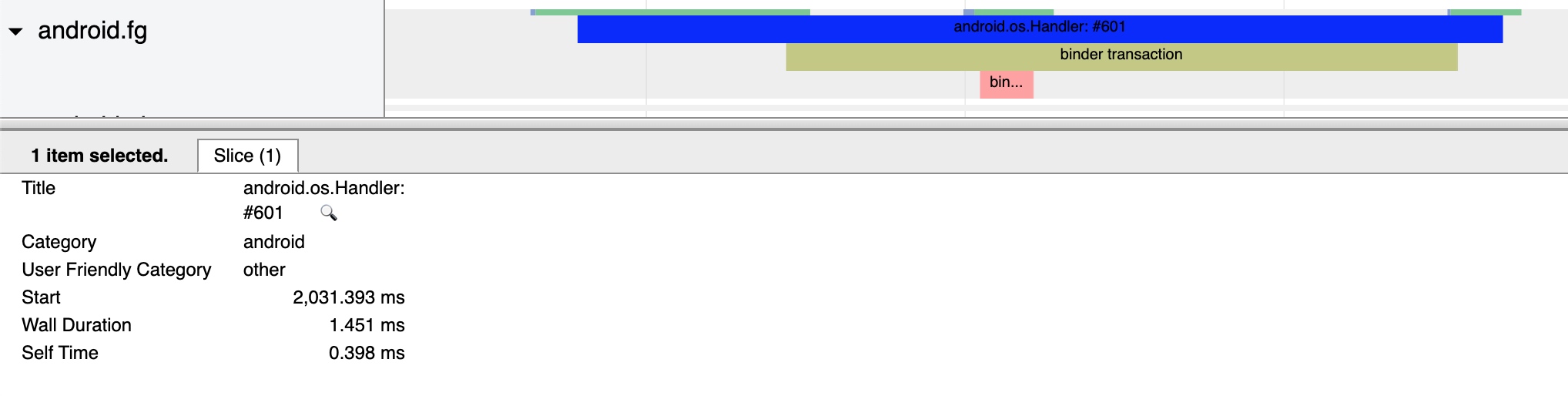
Example of FgThread usage:
1 | FgThread.getHandler().post(() -> { |
SurfaceAnimationThread
1 | com/android/server/wm/SurfaceAnimationThread.java |
SurfaceAnimationThread in Systrace (named android.anim.lf):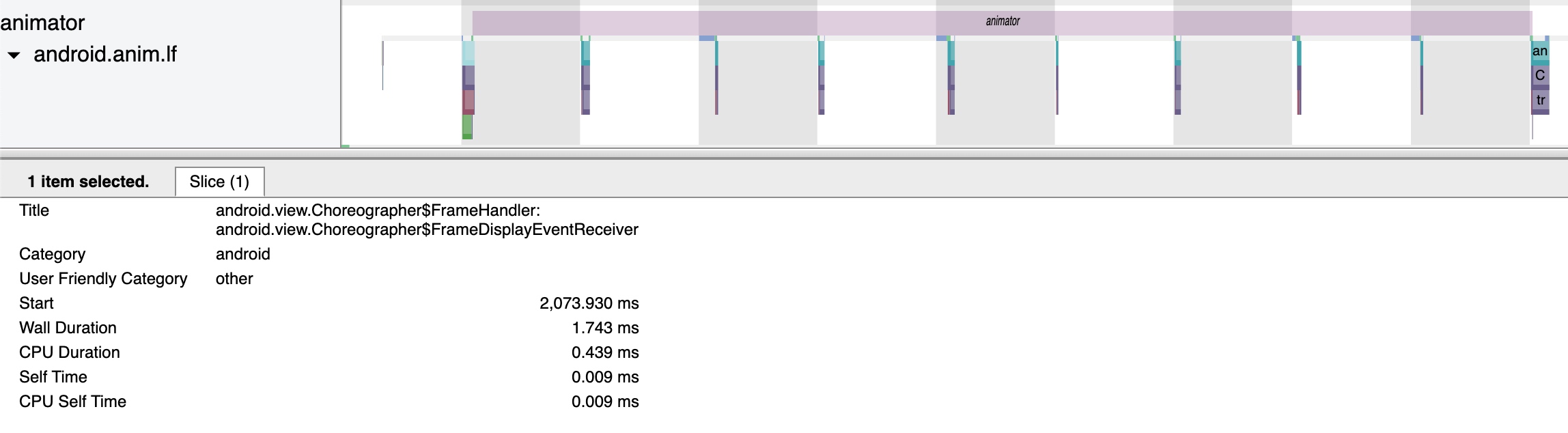
This thread primarily executes window animations to offload android.anim, reducing jank caused by locks. See: Android P——LockFreeAnimation.
1 | SurfaceAnimationRunner( AnimationFrameCallbackProvider callbackProvider, |
About Me && Blog
Below is my personal intro and related links. I look forward to exchanging ideas with fellow professionals. “When three walk together, one can always be my teacher!”
- Blogger Intro: Includes personal WeChat and WeChat group links.
- Blog Content Navigation: A guide for my blog content.
- Curated Excellent Blog Articles - Android Performance Optimization Must-Knows: Welcome to recommend projects/articles.
- Android Performance Optimization Knowledge Planet: Welcome to join and thank you for your support~
One walks faster alone, but a group walks further together.
